How to Check If the Dog Park Is Busy Before You Leave the House
Stop guessing and start knowing — how real-time park intelligence helps you pick the perfect moment for a calm, enjoyable walk.
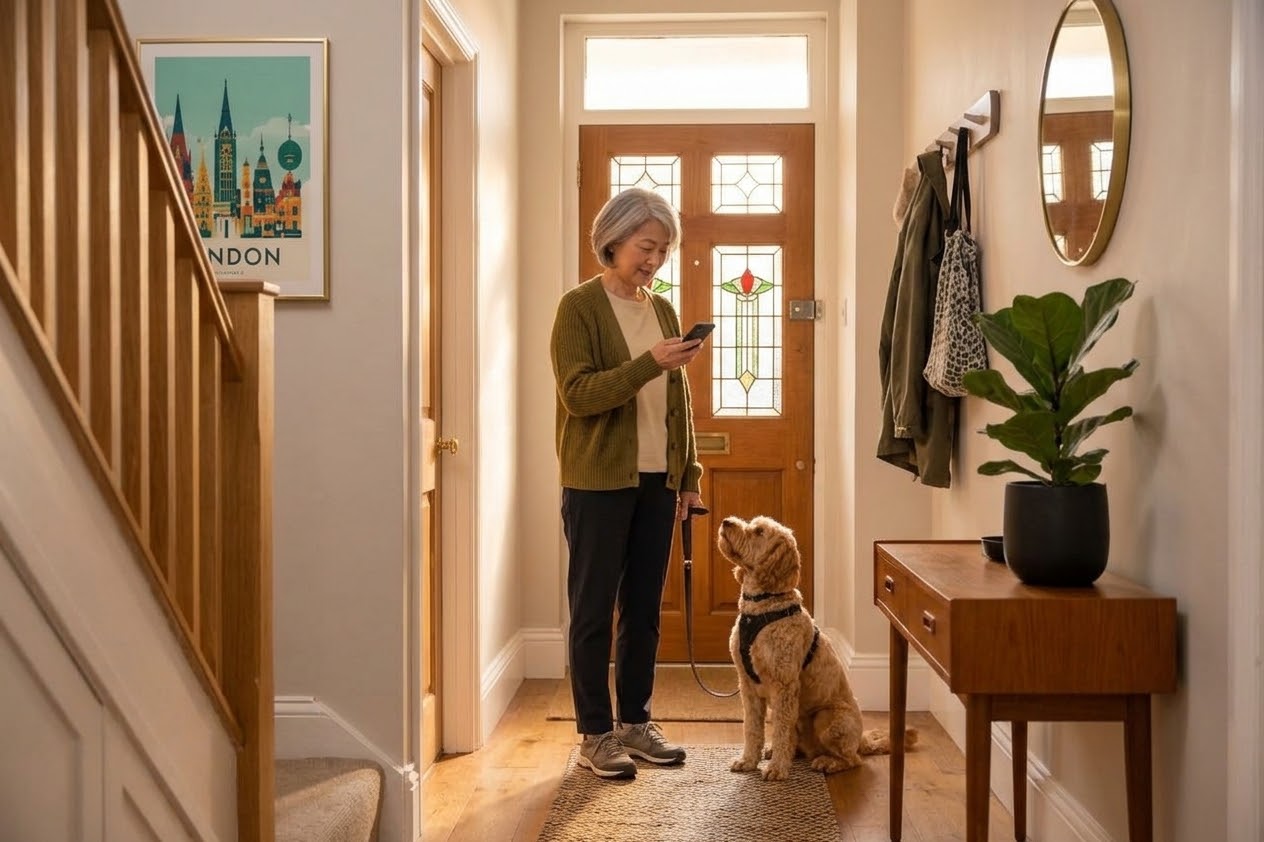
Every dog owner knows the feeling. You pack the treat pouch, lace up your boots, and head down to your local park, only to arrive and find a chaotic rush hour of dozens of dogs. Whether you have a reactive dog needing low-stress space, a young puppy easily overwhelmed by crowds, or simply want a calm off-lead play session, knowing park density in advance changes everything.
Until recently, avoiding crowd spikes was largely trial and error. Today, hyper-local community intelligence tools make it easy to check live conditions before clipping on the lead. Here is how you can use Paws Near Me to check if your dog park is busy before stepping out the door.
1. Open the Live Map Layer for Real-Time Park Density
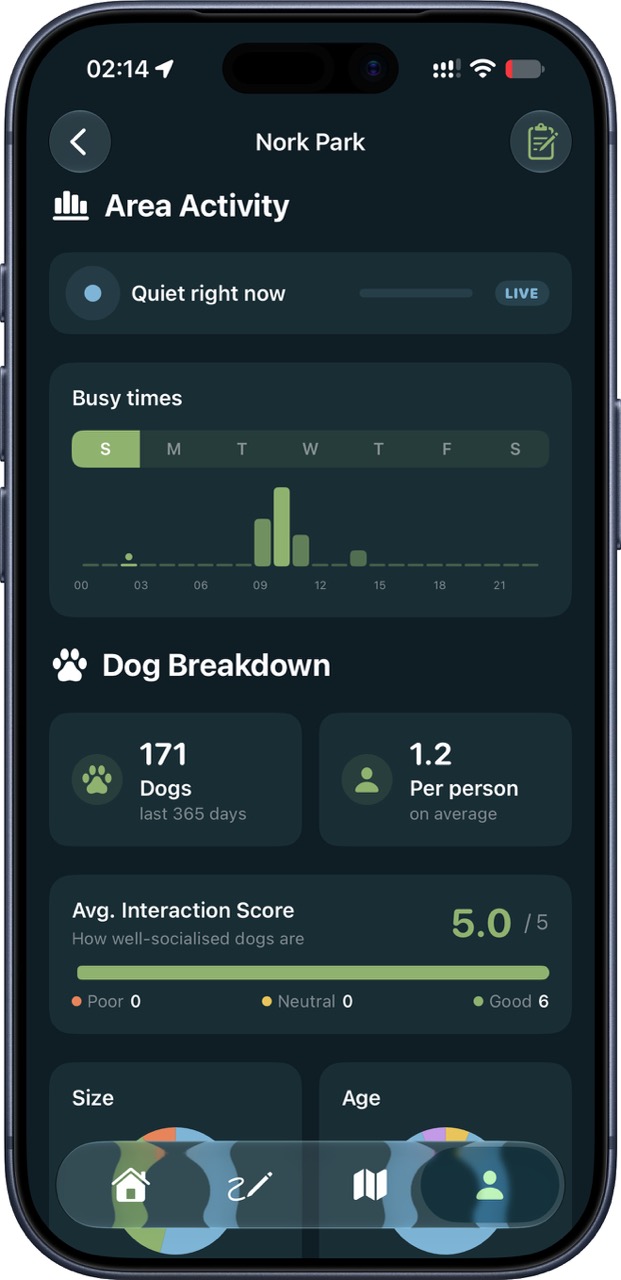
The core feature of Paws Near Me is its real-time park map. Instead of relying on static historical estimates like general map services, the app provides real-time community intelligence driven by active dog owners walking in your neighbourhood right now.
Before leaving home, open the live map view to see current headcount and activity levels at your nearby green spaces:
- Live Dog Count: View exact numbers of verified dogs currently active in specific park sectors.
- Density Indicators: Quickly gauge whether a park is quiet, moderately active, or at peak busyness.
- Entry Point Signals: See where dogs are concentrated, allowing you to choose a quieter entrance gate if you still decide to go.
2. Set Up Custom Off-Peak Density Alerts
If you have a strict routine or a reactive dog that requires quiet windows, sitting on your phone waiting for crowd levels to drop isn't practical. Paws Near Me allows you to set automated off-peak alerts for your favourite local parks.
You can configure alerts to notify you when park occupancy drops below a specific threshold — for instance, receiving a ping when your local park has fewer than three dogs present. This lets you capitalize on low-traffic windows without constantly checking your screen.
3. Identify Familiar Pups and Specific Social Matches
Sometimes "busy" isn't just about the number of dogs — it’s about which dogs are there. A park with five familiar, well-socialized dogs might be a great experience, whereas a park with one incompatible dog could turn into a stressful outing.
With Paws Near Me, verified community connections allow you to see if your pup's favorite playmates (or dogs your pet prefers to avoid) are already on site. This helps you decide whether to join in the fun or pivot to an alternative route.
4. Check Real-Time Community Safety and Hazard Reports
A quiet park can still pose risks if unexpected hazards are present. Beyond crowd monitoring, Paws Near Me includes live hazard reporting. Local dog owners report issues like broken glass, council maintenance, flooded paths, or uncontained wildlife as they happen.
Checking the app before leaving gives you a quick safety update on your route, ensuring you don't walk straight into a problem. For more proactive prep techniques, read our guide on 5 ways to avoid triggers before leaving the house.
5. Privacy-First Tracking with Ghost Mode
While real-time intelligence relies on community data, personal privacy remains a priority. When using Paws Near Me to check park busyness or track your walk, you retain full control over your visibility.
If you prefer to walk privately without sharing your live location on the public map, simply toggle on Ghost Mode. You still get full access to live park density data and safety alerts while keeping your exact location completely private.
Smarter Walks Start at Home
Taking a few seconds to check your local park's live status eliminates guesswork and removes unnecessary stress from your daily routine. By combining live density data, hazard reports, and custom notifications, you can plan walks that match your dog's specific needs every single day.
